
Property Finance Without the Chaos.
End-to-end financial control for property developers. One system from billing to compliance, eliminating bookkeeping and month-end bottlenecks.
RM 99.9m
Recognised this quarter
Revenue recognised Cost incurred
- Residensi Aurora 32.5m
- The Vantage KL 28.1m
- Bandar Serenia Phase 2 21.8m
- Anjung Damai 17.5m
8 in 10 new launches in Malaysia run on MHub












-
70%
Faster Month-End Close
-
0
Cost on Premise
-
100%
Transaction Traceability
Your Finance Team Shouldn't Be Fighting Systems
Most property developers manage finance across disconnected tools - creating data chaos, compliance headaches and endless bookkeeping that drain productivity.
-

Your GL Is Always Behind
Transactions sit in the sub-ledger until someone manually imports them. Your books never reflect today's reality.
-

e-Invoice & SST Are a Manual Mess
UUID linking, vendor invoice re-keying, Excel SST reconciliations — compliance is consuming your finance team.
-

No Project-Level Financial View
Generic systems have no concept of project grouping. Management reports mean hours of manual consolidation.
Approve Once. Your GL Updates Instantly.
Transaction approved. GL updated. No import, no manual posting, no reconciliation gap.
How MHub Accounting Works
-

Transaction Approved
Credit Control, Billing, Costs, Commissions
-

MHub Accounting
Auto-posts to GL instantly
-

Finance Team Sees It Now
Real-time GL, dashboards, compliance


Built for Property Finance Teams Who Demand More
Transform how your finance operations run with measurable improvements.
Sub-Ledger to GL — Instantly
Transactions approved in Credit Control post directly to your General Ledger. No import, no manual posting, no reconciliation gap. Your books reflect reality in real time.
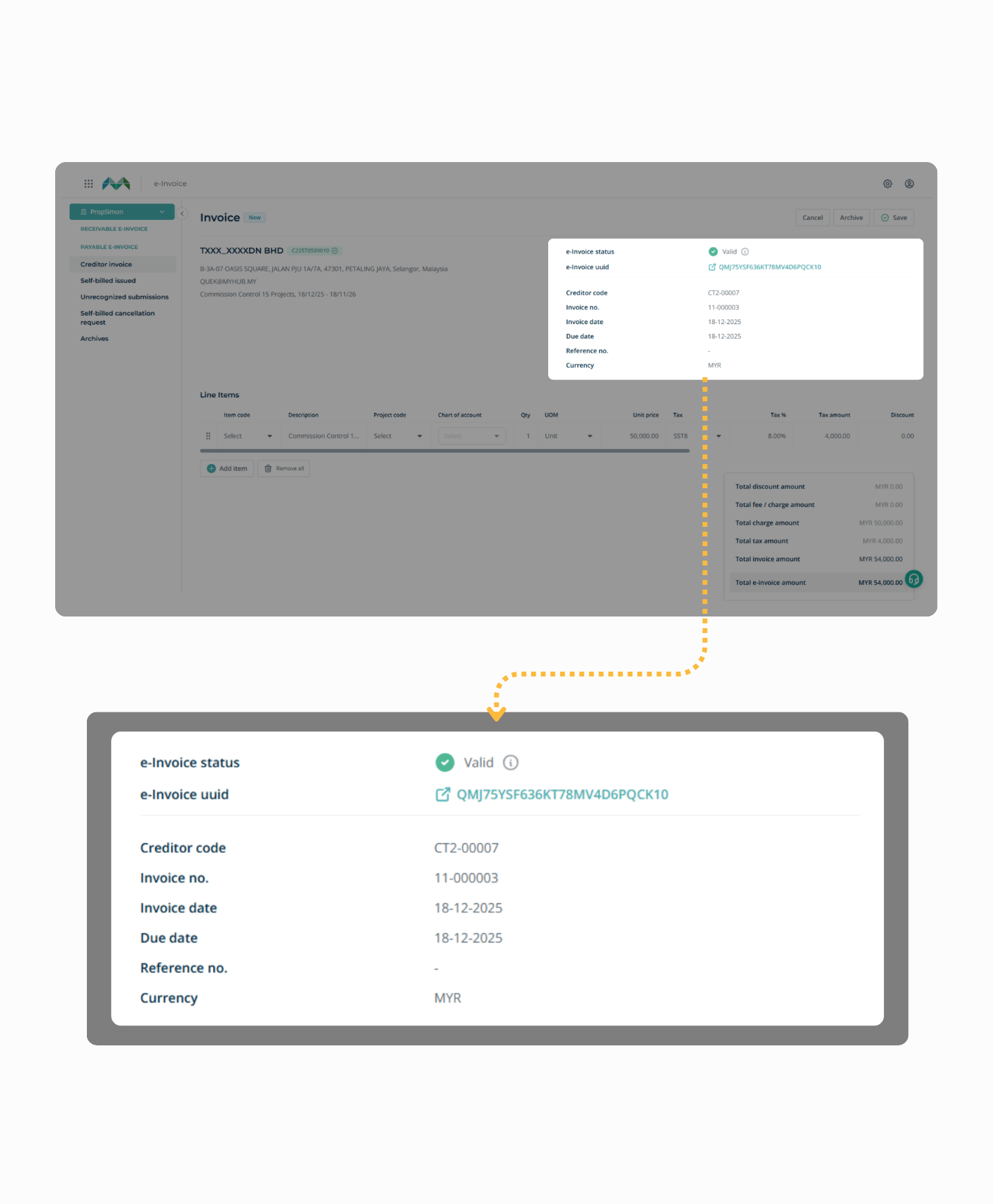
Full e-Invoice Compliance
UUID document linking, auto-submission, vendor invoice capture from LHDN, and permanent record storage. Stop re-keying, stop manual linking, stay compliant.
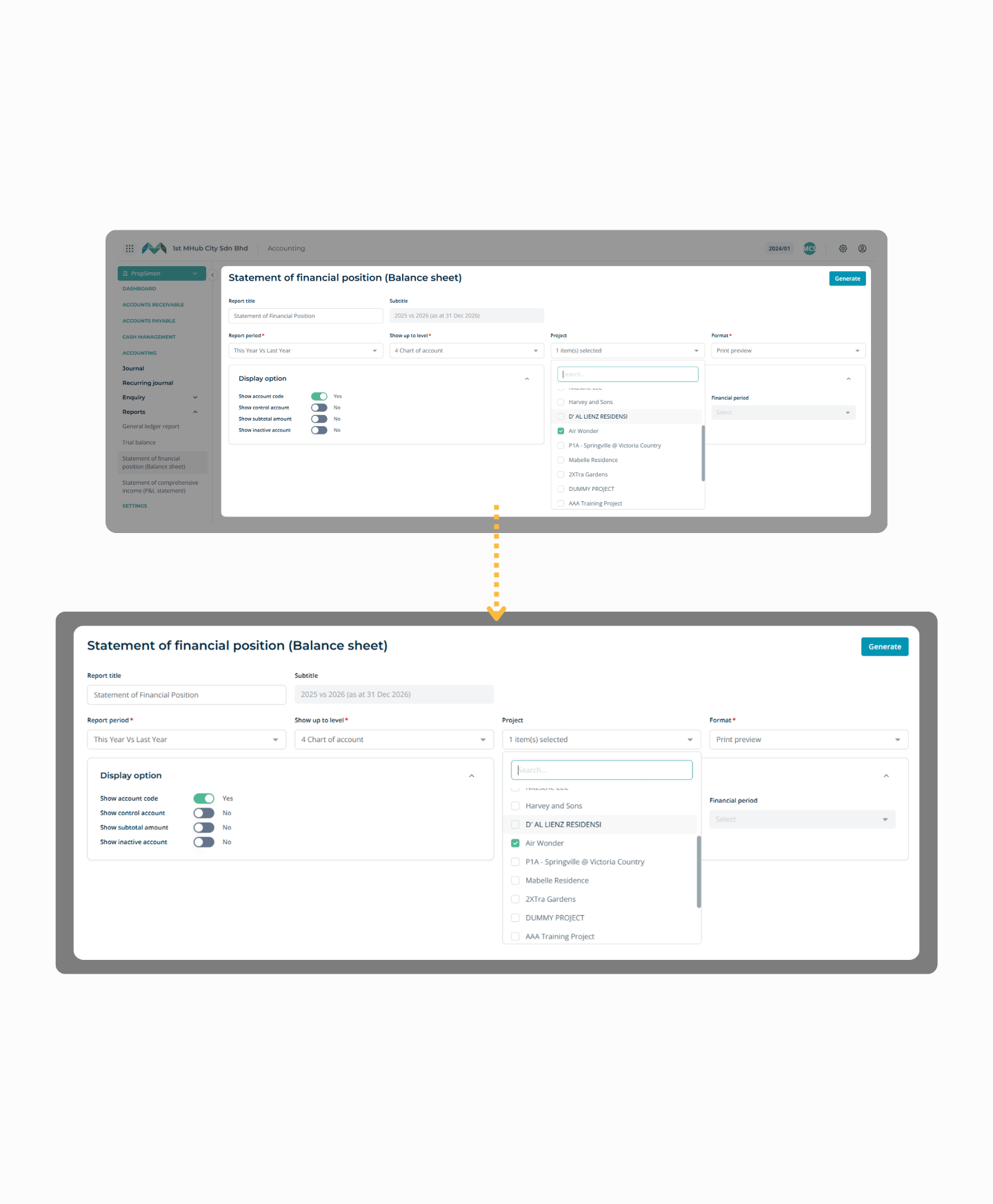
Project Grouping Built Into Everything
All income, expenses, and costs are tagged by project across the entire system. Management wants project financials? You pull them instantly — no manual consolidation required.
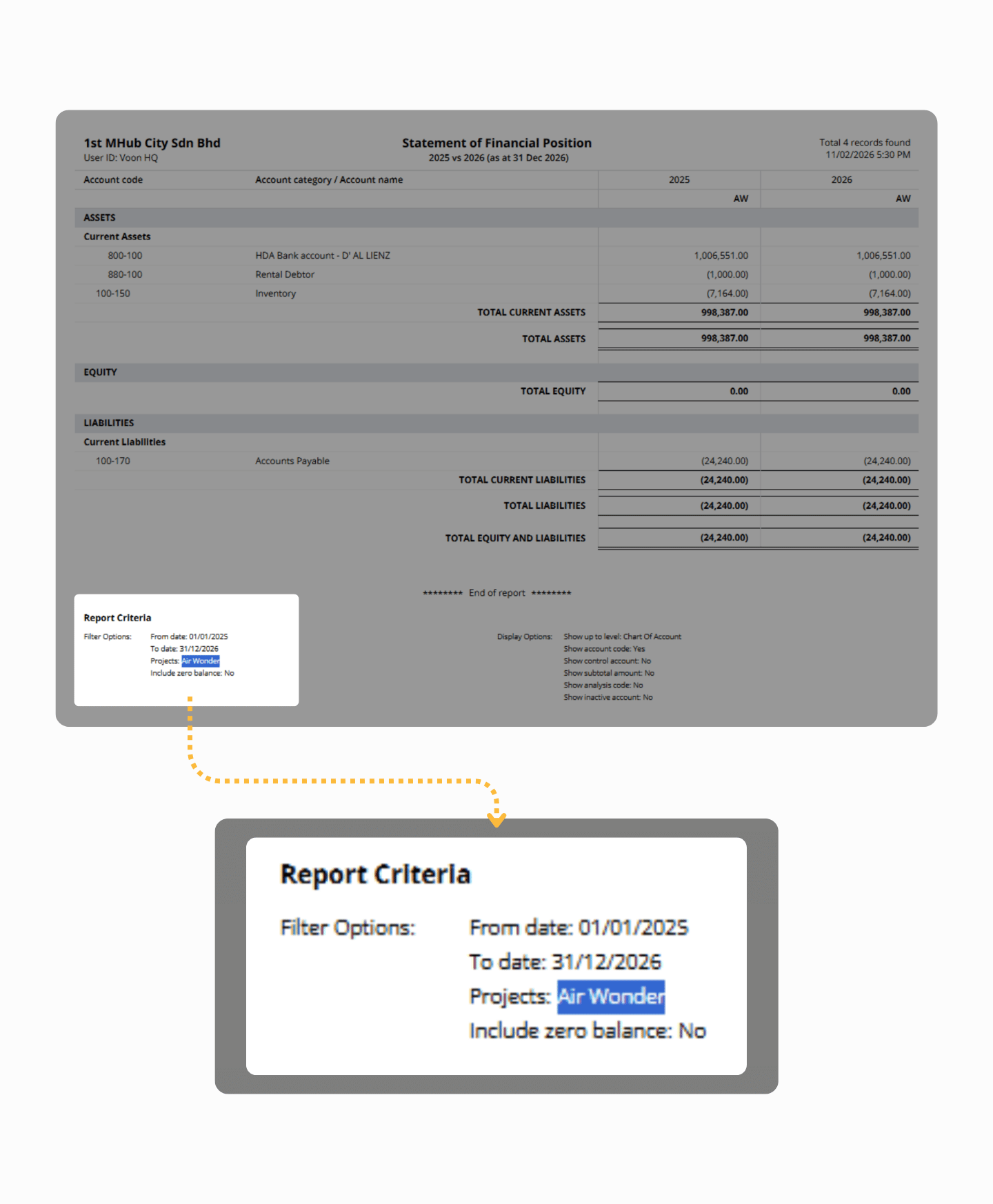
Faster, Cleaner Month-End Closing
Automated journals from every approved transaction. Real-time ledger updates throughout the month. Close books in days, not weeks, with complete audit trails.
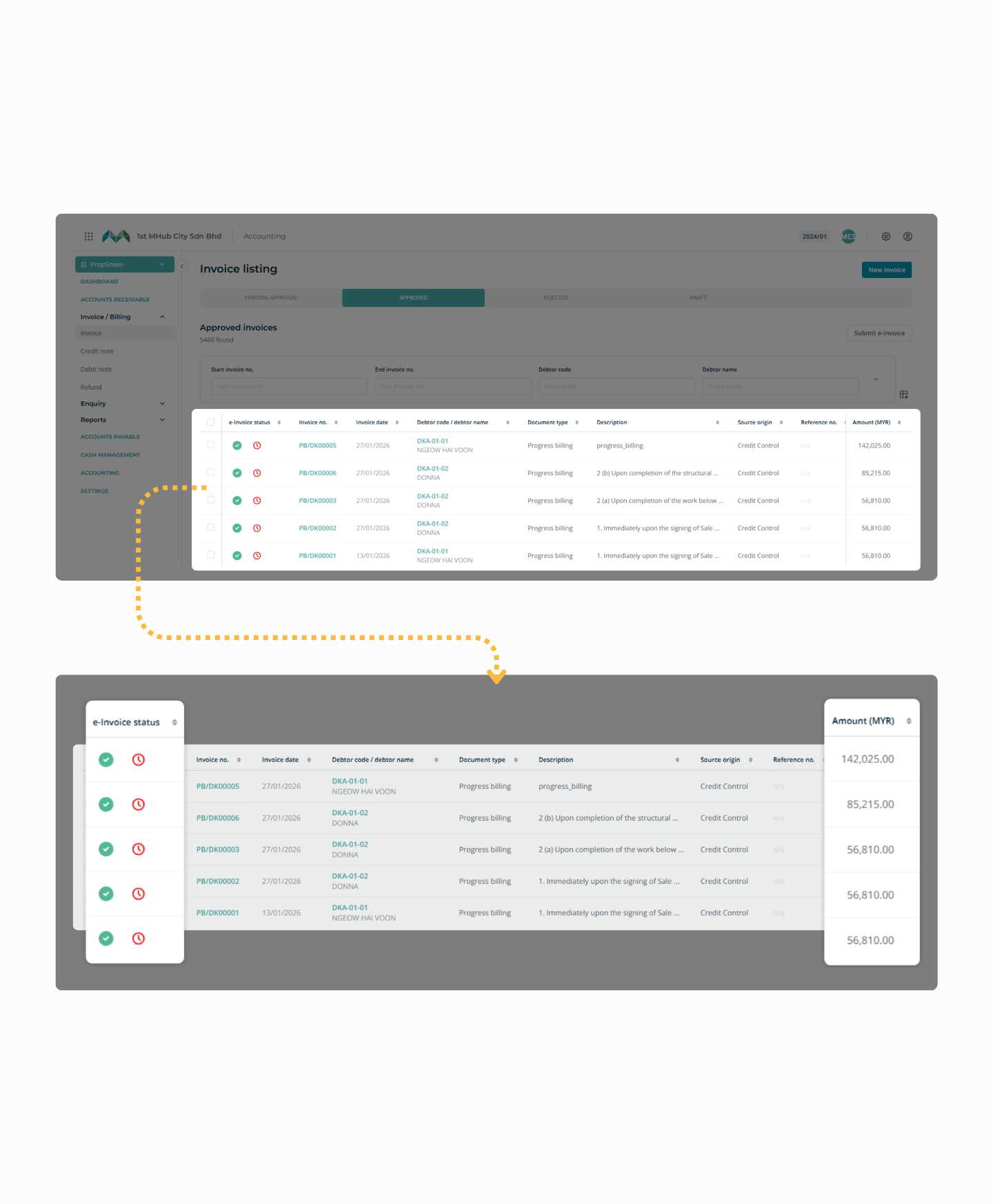
Trusted by Malaysia's Leading Developers
- USD 30 Billion
- Transacted
- 500,000
- Bookings Managed
- 4,000
- Projects Launched
Stop Losing Revenue
Schedule a quick 20-min demo. See MHub in action.
Prefer WhatsApp? Chat with us directly
Connect with us!
Please note for Developer Agent sign-ups, kindly contact your Developer directly for project access.